
Smart Alarms Are Here
Wake up right, live more. Set intelligent alarms tied to your shifts so you never oversleep or miss a beat.
What Are Smart Alarms?
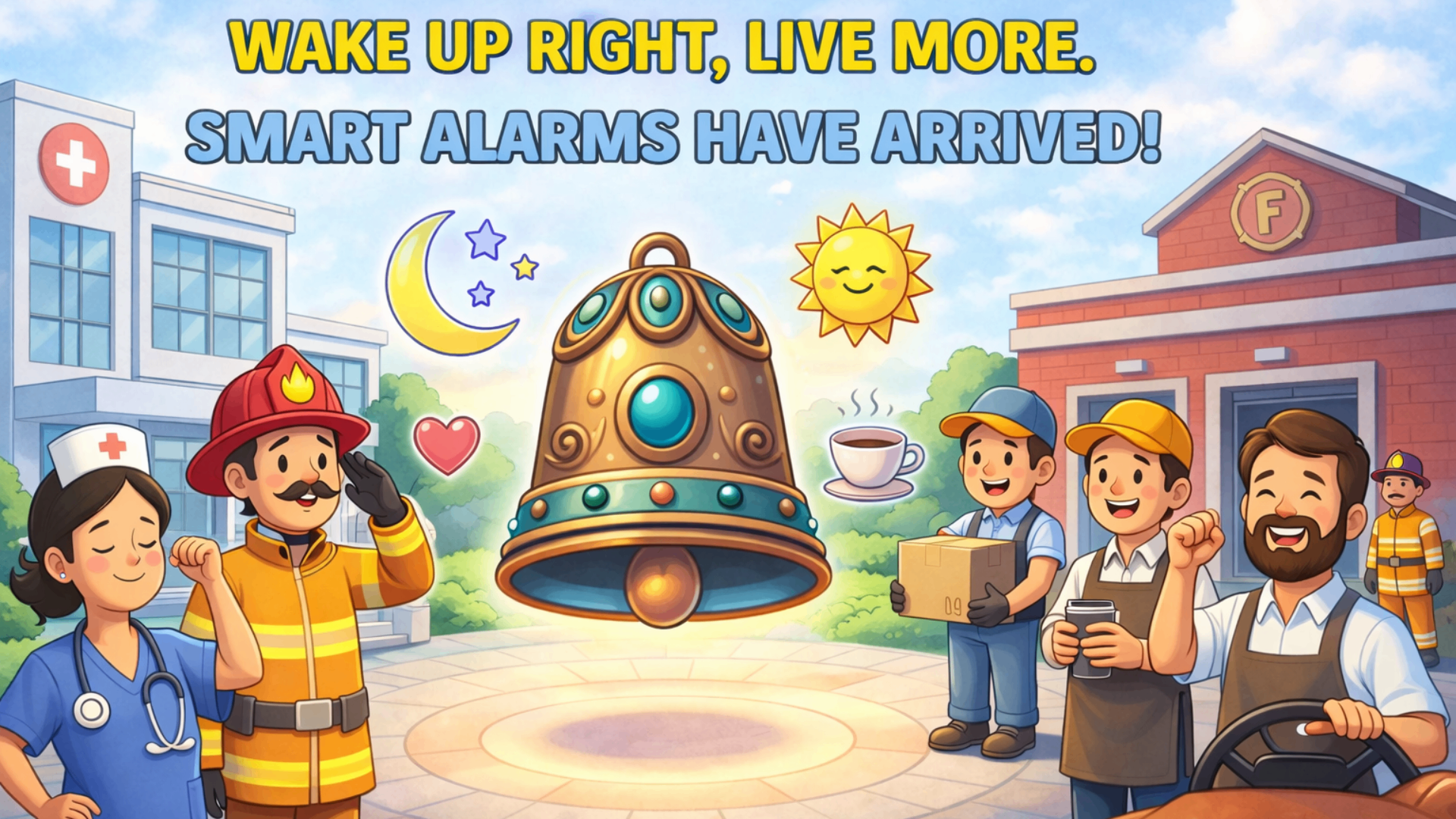
Smart Alarms integrate directly with your shift schedule. Instead of setting a separate alarm every night, simply attach alarms to your shifts — the app automatically activates them on the right days. Set up to 3 alarms per shift to give yourself a gentle wake-up, a final nudge, or a reminder to leave on time. Whether you're a nurse, firefighter, delivery driver, or barista, Smart Alarms adapt to your rotating schedule so you can sleep easy.
How to Add an Alarm
Go to Templates Tab
Open the app and navigate to the Templates tab from the bottom navigation.
Create or Edit a Shift
Tap the "+" button to create a new shift, or tap any existing shift to edit it.
Scroll to "Add Alarm"
Scroll down in the shift editor until you see the "Add Alarm" section.
Toggle On Alarm
Tap the alarm toggle to enable alarms for this shift.
Set Up to 3 Alarms
Configure up to 3 alarms to suit your schedule — before, at, or after your shift starts.
Save & Relax
Save the alarm and shift. Now relax and let the app do the rest!